For iPhone · Coming soon
Your photos, straight to your people.
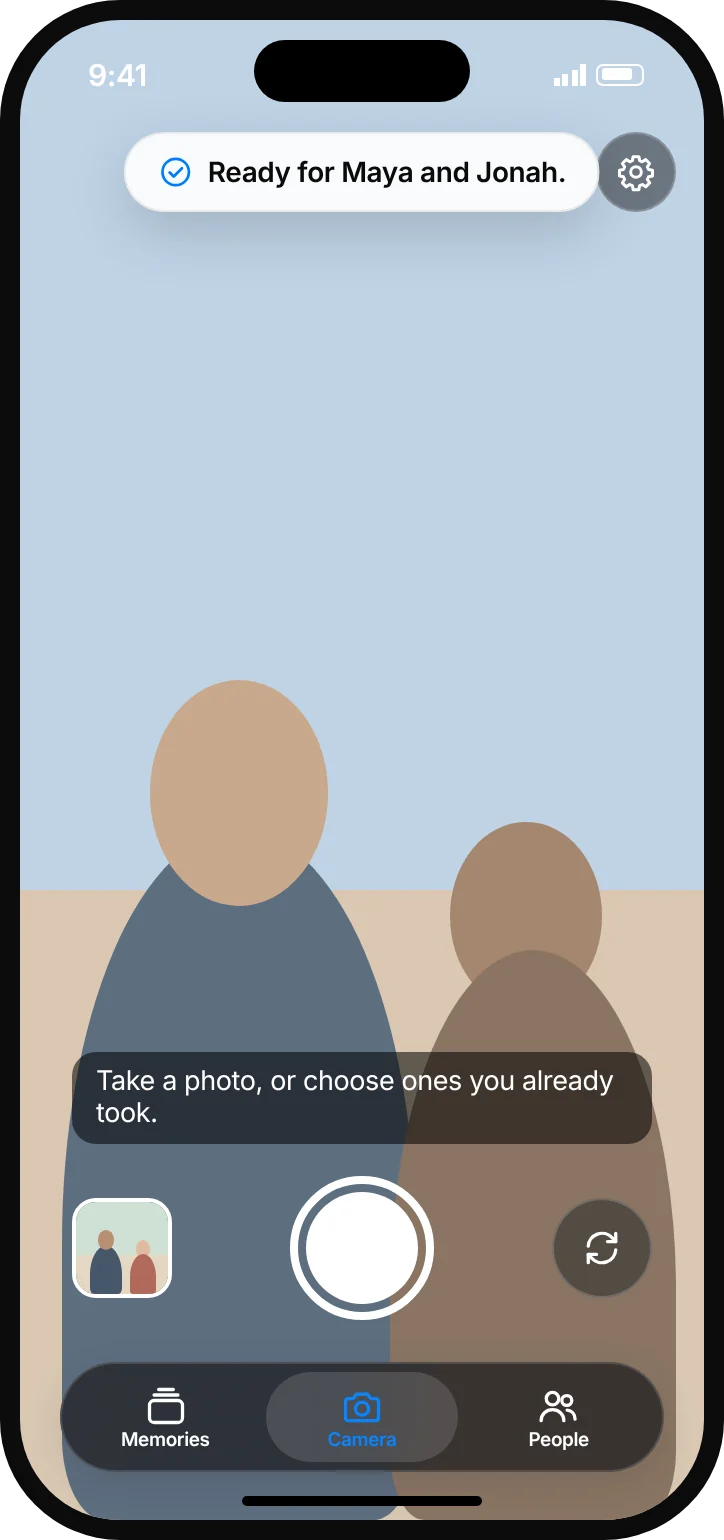
Take a picture. Drop sees who is in it and gets it to them in one tap. No more "send me that pic" a week later.
Face recognition runs on your iPhone. Nothing is uploaded.
How it works
Three steps. One tap.
Add your people.
Add the friends and family you photograph most with a selfie, a photo, or suggestions Drop finds in your library.
Take a photo.
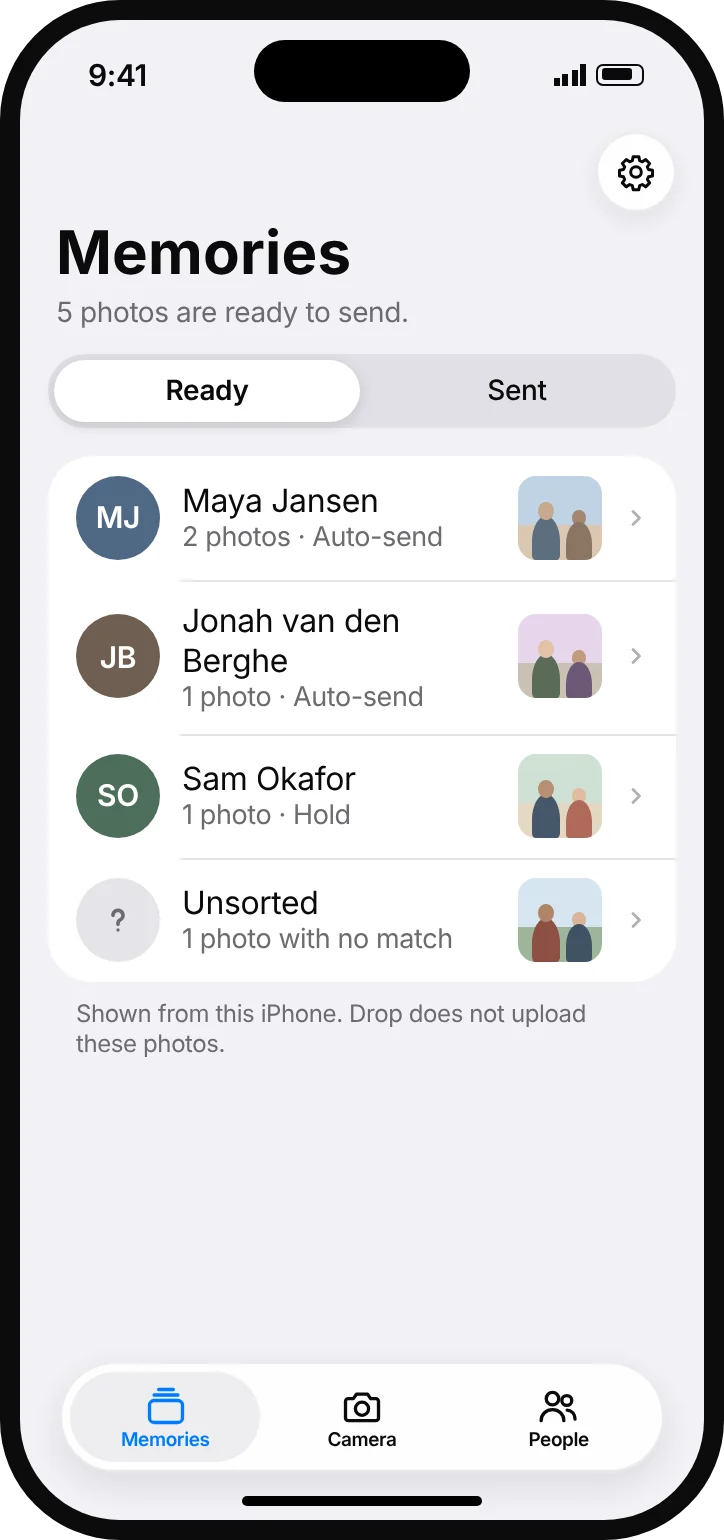
Or choose one you already took. Drop checks it against the faces you saved and files it under each person. Faces it doesn't know go to Unsorted.
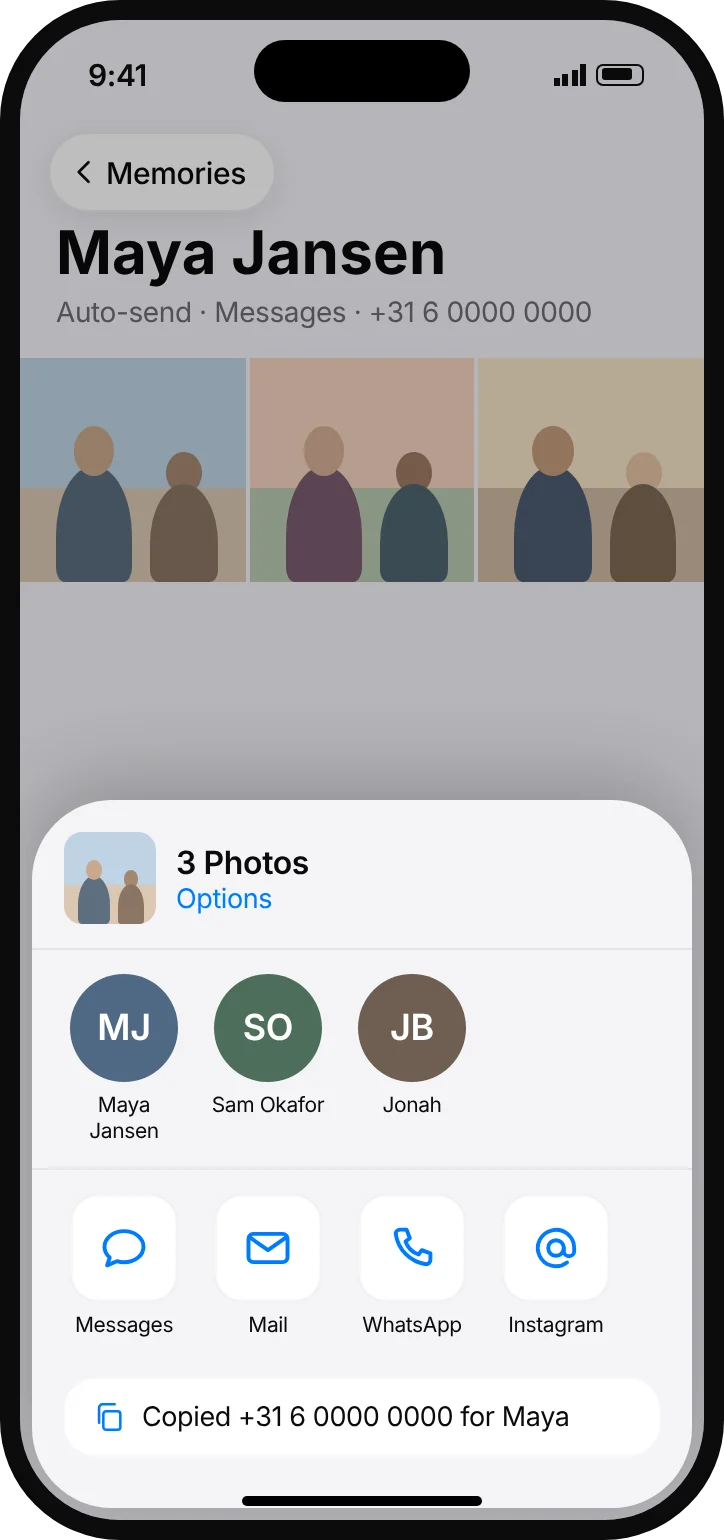
Tap Send.
The iPhone share sheet opens with their preferred number or address ready. Messages, WhatsApp, Email, Instagram or Messenger
You stay in control
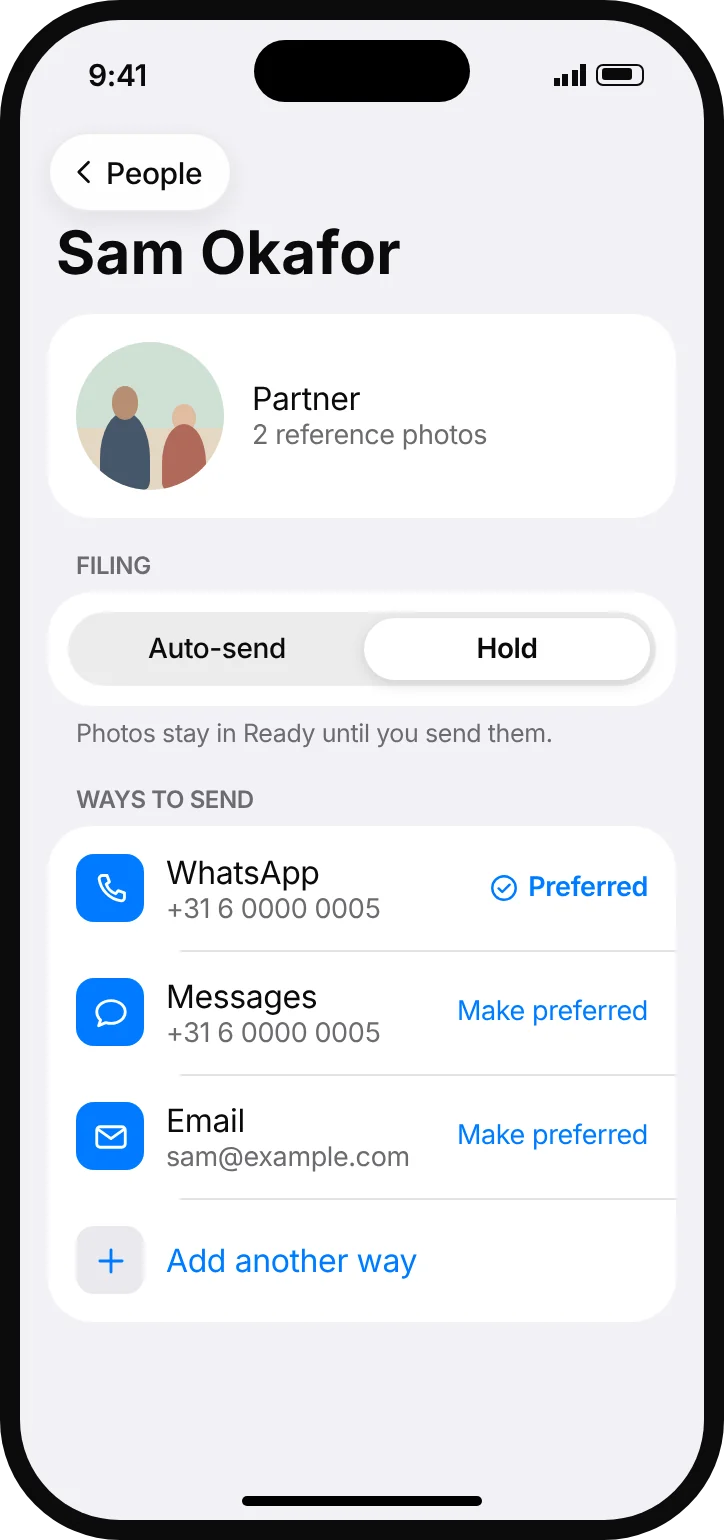
Auto-send or Hold. Per person.
Auto-send
Take their photo and the share sheet opens right away. Your iPhone still asks before anything is sent.
Hold
Their photos wait in Ready until you tap Send.
Drop never sends a message by itself. Every photo goes out through the iPhone share sheet, so you always see it first.
Private by design
Stays on your iPhone.
Drop was built so we never see your photos. There is no Drop server to send them to.
On-device recognition
Faces are matched on your iPhone, not in the cloud.
Nothing uploaded
Your photos, the faces you save and your contacts never leave your phone.
No account
No sign-up, no password, no profile. Open the app and start.
No tracking
No ads, no analytics, no data sold. Not now, not later.

Your photos, straight to your people.
Coming soon on the App StoreQuestions? Visit Support or email willem@relivo.io.